How to Connect / Server IP
Quick reference for joining LibertyCraft SMP on Java or Bedrock, plus fixes for the most common connection errors.
Java Edition (PC)
- Server Address:
libertycraft.my.pebble.host - Version:
26.1.2(newest fully supported build)
Open Minecraft → Multiplayer → Add Server → paste the address → Done → join.
Bedrock Edition (PlayStation, Xbox, Switch, Pocket Edition, Windows)
- Address:
libertycraft.my.pebble.host - Port:
8057
Open Minecraft → Play → Servers tab → Add Server → enter the address and port → save → join.
Fix: "Multiplayer Connection Failed"
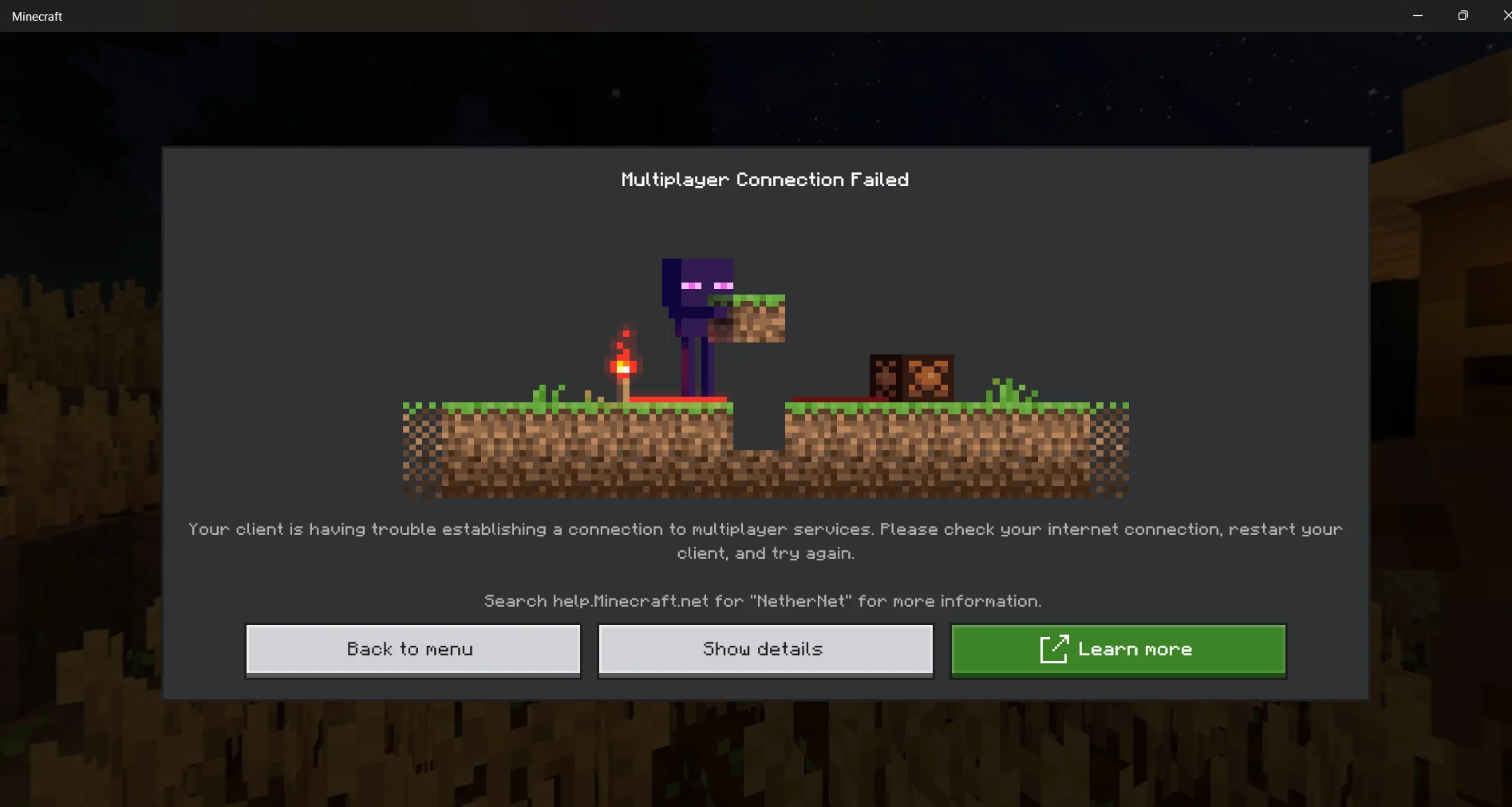 Your client is having trouble establishing a connection to multiplayer services. Usually a Microsoft account / NetherNet issue.
- Open Minecraft
- Go to Settings → Profile
- Sign out of your Microsoft account
- Sign back in
- Restart Minecraft and try again
If that doesn't work:
- Restart your device
- Check your internet connection
- Make sure your Microsoft account has Minecraft linked at account.microsoft.com
Fix: "Failed to connect to the server — Connection refused"
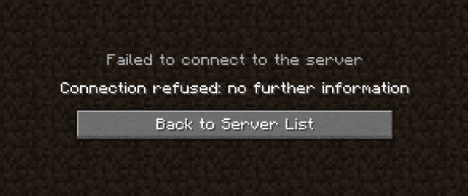 Usually means a wrong address, wrong version, or the server is briefly offline.
- Double-check the address is
libertycraft.my.pebble.host(no spaces, nohttps://) - Make sure you're on Minecraft 26.1.2 (see the 26.2 notice below)
- Wait 30 seconds and retry — the server may be restarting
- Ask in Discord if it persists
Console troubleshooting (PS5 / PS4 / Xbox / Switch)
Having trouble adding any server on console? Follow this walkthrough: 👉 How to Join ANY Server on Minecraft PS5/PS4/XBOX/Switch (MysticMC)
26.2 "Chaos Cubed" Notice
Attention citizens of LibertyCraft — Mojang officially released the 26.2 "Chaos Cubed" update. Because of the massive network protocol changes, players who auto-updated to 26.2 will temporarily be unable to connect to our 26.1.2 server. Our network translation plugin (ViaVersion) does not recognize the 26.2 protocol yet. The devs are actively patching it and we will deploy the second a stable release drops.
How to join right now (the fix)
If your launcher auto-updated you to 26.2, manually launch a 26.1.2 profile — takes under 60 seconds:
- Open your Minecraft Launcher
- Click the Installations tab (top left)
- Click New Installation
- Name it LibertyCraft 26.1.2
- Under VERSION, scroll the dropdown and select release 26.1.2
- Click Create (bottom right)
- Back on the Play tab, select your new LibertyCraft 26.1.2 profile from the bottom-left dropdown and hit PLAY
What we're doing
VP STNPlayz and President Dmorgs81 are monitoring the network plugin pages closely. As soon as the 26.2 translation patch goes live, we'll deploy it so everyone can join natively on the newest release without changing profiles.
Thank you for your patience as we get the infrastructure updated!